 Thalia
Delete your account
Ready to say goodbye? Here's how to delete your Thalia account in a few taps, right from the app.
- 1
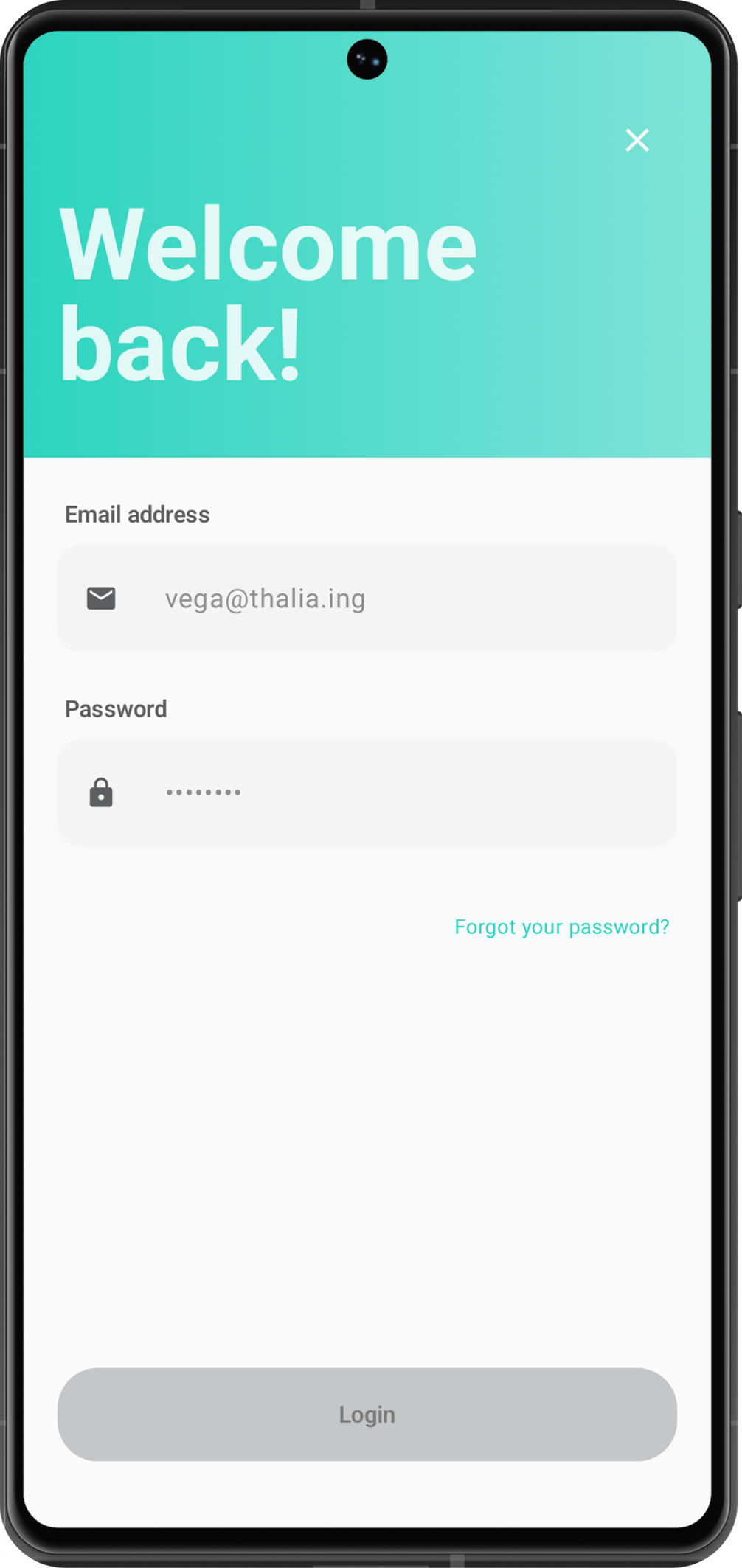
Log in to Thalia
Open the Thalia app and sign in with the account you'd like to delete.
- 2
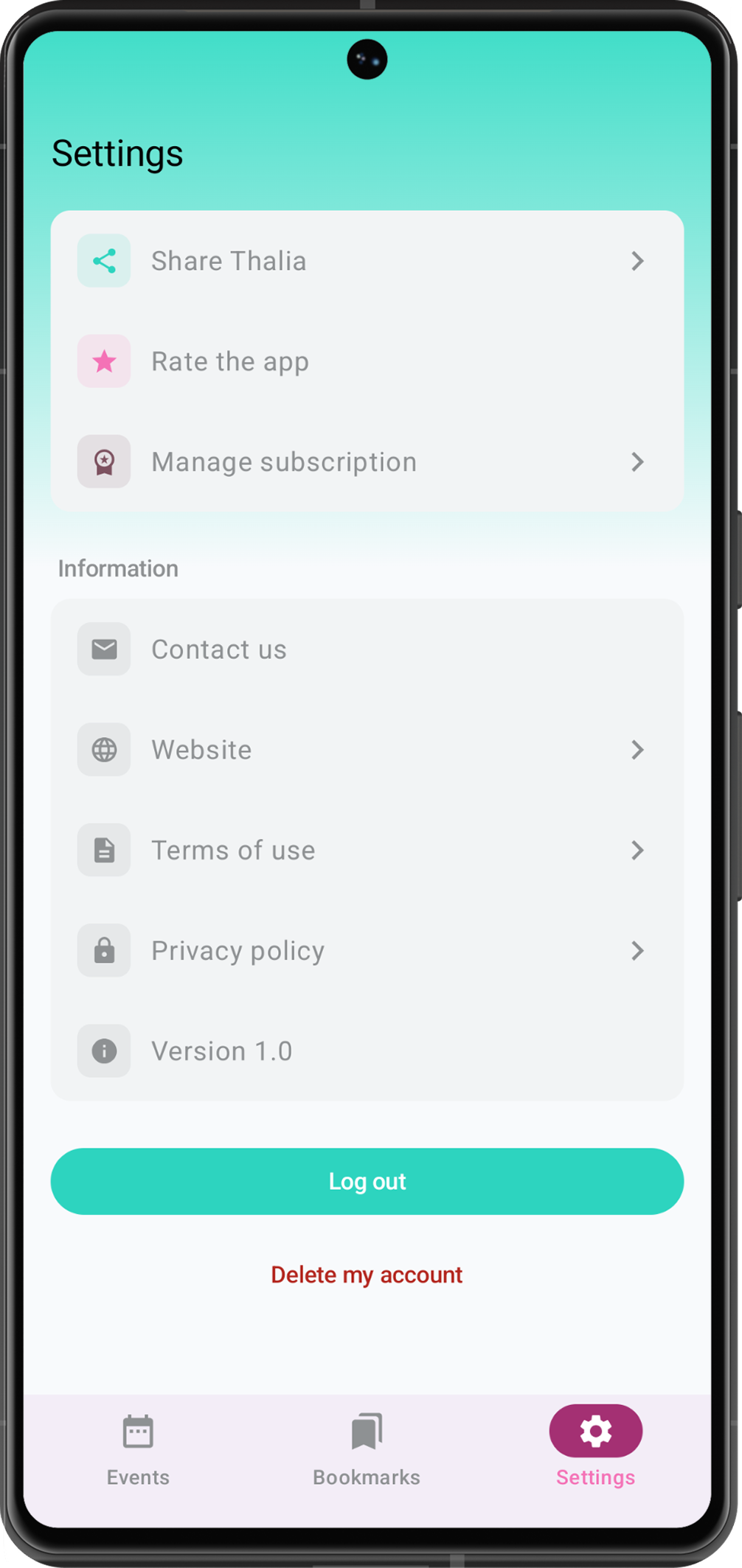
Open your Settings
Head to your profile and tap Settings to find everything about your account in one place. Keep scrolling all the way down the Settings screen until you reach the very last option. Tap the Delete account button and confirm. That's it. Your events, wishlists and personal data are permanently removed from Thalia.
A quick word about your subscription
You can manage or cancel your Thalia Unlimited subscription any time from within the app. Deleting your account does not cancel it, so if you have an active subscription, we'd suggest cancelling it in the app first. If you delete your account while a subscription is still active, you'll need to manage it from Google Play afterwards.
Need a hand? We're always happy to help at support-thalia@alpha-lyrae.co